Yearly Archives: 2013

screeenFetch on Ubuntu

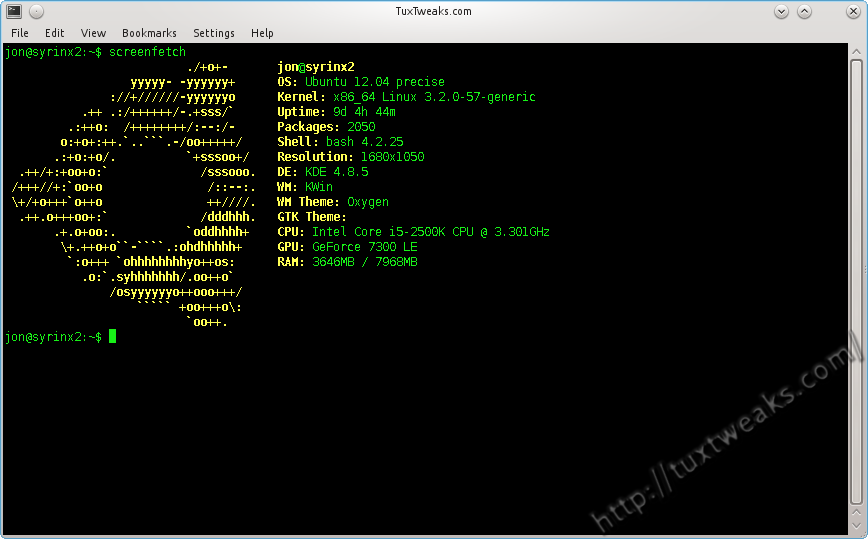
How To Install screenFetch in Linux

If you’ve browsed Linux groups on social media, you’ve probably seen a lot of screenshots that include a terminal window displaying the distribution logo as ASCII art along with some general system information. One program that does this is called Archey. Another is called screenFetch, and that’s what I’m going to show you how to install in this post. Continue reading
Linux watch with pipe

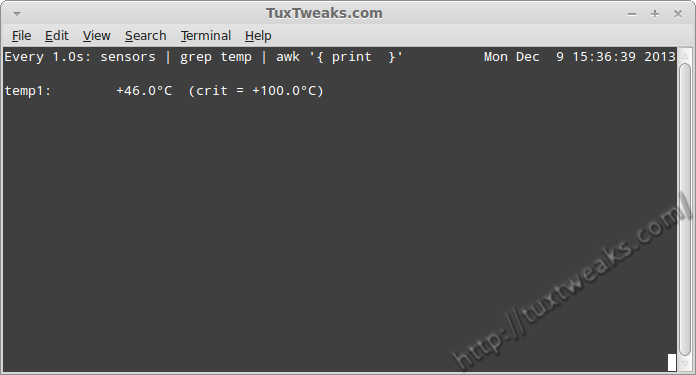
Command Line Basics – watch

There are several log files in a Linux system. Keeping an eye on these log files can be one of the important tasks of a Linux System administrator. You can easily view the end of a log file using the tail command. But if you want to monitor that file all day long it’s pretty tedious to enter the tail command every few minutes to check on that log file. You could write a short script  with an infinite loop to check the file periodically, but it turns out that there is already a program to handle repetitive tasks for you. Continue reading

encrypted folder

Create And Manage Encrypted Folders in Linux With encfs

There are times when you want certain information on your computer protected from prying eyes. One way to protect your information is to encrypt your home directory. However, that does not protect your information when you are logged on to your computer. I’ve shown in the past how you can use Cryptkeeper to create an encrypted folder on your system. Cryptkeeper is a graphical front end to encfs. encfs allows you to create an encrypted folder and then mount it as a user filesystem using FUSE. In this tutorial I’ll show how to use encfs from the command line to create and manage an encrypted folder on Linux.
Continue reading

File system with label

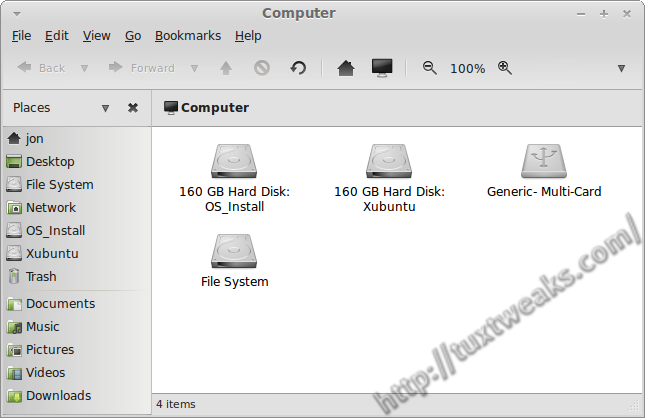
How To Add or Edit a Linux File System Label

File system labels are not something you need to have in order to have a functioning Linux operating system, but they can make your computer easier to navigate when you have several disk partitions. In this post I’ll show how to add or edit a Linux file system label for ext2, ext3, and ext4 disk partitions.
Continue reading

Conky on my Desktop

How To Install Conky and Conky Manager in Ubuntu and Linux Mint

Conky is a light weight system monitor for Linux and BSD systems that displays information about your system on the root window. You’ve probably seen cool screenshots around the web that show a Linux desktop with all kinds of information printed to a part of the background. There’s a good chance that you were looking at a system running Conky. Continue reading