Tag Archives: WordPress

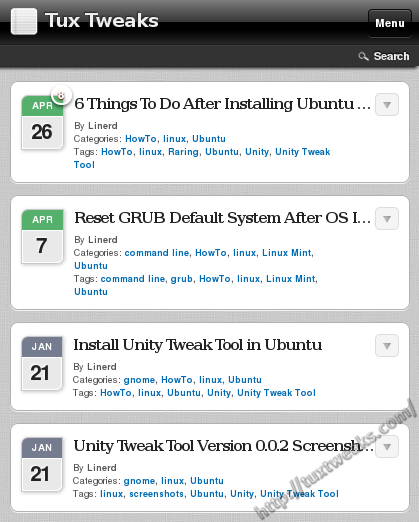
Tuxtweaks home page with WPtouch

Enable Shortcodes in WPtouch on WordPress

Building a mobile website for your blog or business can be a daunting task. Perhaps you’re an expert at mobile website development and you can design a mobile website on your own just fine. But for many of us, learning to do this would take far too much time and effort and probably wouldn’t turn out all that great anyway. If you are using WordPress to run your website, you’re in luck. There are several plugins available to make your site look great on mobile devices.

With over four million downloads, WPtouch is perhaps the most popular WordPress plugin to make your website mobile ready. I have been using it on this site for a month or two myself.  You can see in the image below what my site’s home page looks like on a mobile device with WPtouch enabled. Continue reading

Tux Tweaks Performance Enhancements

I spent a few hours this past weekend working on some performance optimization for the site. This site is run on the WordPress blogging software which has tons of great plugins available to add functionality. The downside to this is that most plugins tend to slow the website performance slightly. The exceptions to this are the plugins that are written specifically to speed up WordPress site performance. Continue reading

Tux Tweaks – Now With Threaded Comments

I spent a great deal of time this weekend working on updates to my WordPress theme. One of the more noticeable changes is the addition of support for threaded comments. The function has been available in WordPress since version 2.7, but I didn’t get around to modifying my theme until now. Hopefully, this will make the comments section a little more useful. Continue reading

How To Install WordPress on Ubuntu: Part 2

In Part 1 of How To Install WordPress on Ubuntu I showed you some of the steps required to get Ubuntu ready for a fresh installation of WordPress to use for web development. In Part 2 I’ll go through the steps of installing WordPress itself.

First, you need to download the latest version of WordPress. As of this writing, the latest is version 2.8.6.  Continue reading