Tag Archives: Ubuntu

Linux Network Speed Test

Linux Network Speed Test

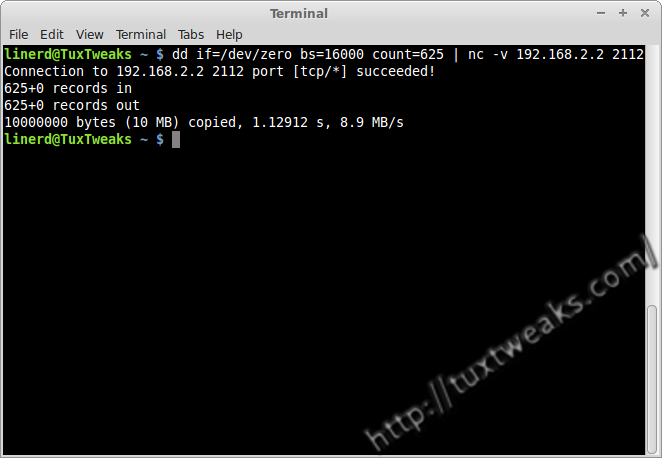
I recently purchased a power line network adapter and wanted to see how it performed relative to the stated specs on the packaging. After playing around with wget and sftp to copy files from my desktop to my laptop I wondered if there was a better way to test network speed without involving the hard drive of my server or my client machines. What I found was that it’s possible to use a few simple commands on the Linux command line to test local network speed without copying actual files. Continue reading
Netflix on Linux

Netflix on Linux – Now Works With Chrome Browser

I recently wrote a post showing how to get Netfix working on Ubuntu and its derivatives. That process originally involved installing the beta version of the Chrome browser and manually updating some libraries on your system. Further, you had to use the Useragent Switcher extension in Chrome to trick Netflix into thinking you were a Windows user.
Continue reading

Streaming Netflix on Linux

Netflix on Linux Mint 17 and Ubuntu 14.04

Update: 10 October, 2014 – Netflix now works on Linux without any special hacks using the Chrome browser.

There have been many tutorials posted on how to get Netflix working on Linux. Personally I’ve had limited success using the Pipelight plugins. There’s good news for Linux users though. Recent development versions of the Chrome browser from Google include the required DRM code to allow HTML5 video streaming from Netflix. The goal of this tutorial is to provide easy instructions to get Netflix streaming working on Linux Mint 17, Ubuntu 14.04, and Ubuntu 12.04. Continue reading

When Handbrake Doesn't Work

How To Rip a DVD with Mplayer

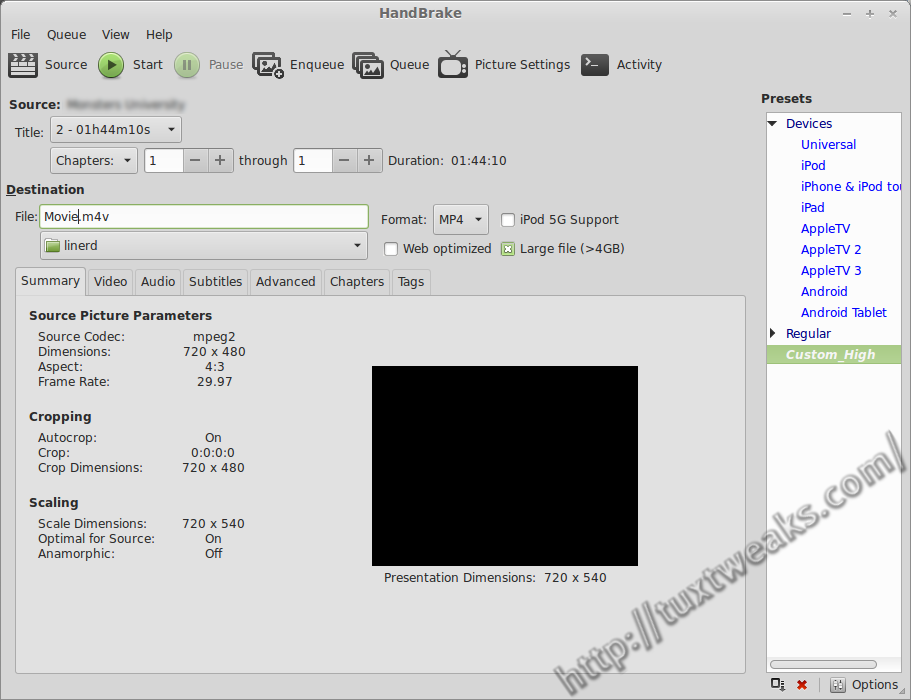
I run a media server at home to feed music and movies to my LG smart TV (affiliate link). Ripping the family’s DVD collection is one of my tasks as the resident computer geek. Normally, Handbrake is my go-to tool for this type of thing, but in this case it was unable to detect the correct title from the DVD structure. In this tutorial I’ll show how to rip a DVD on Linux with Mplayer.
Continue reading

screeenFetch on Ubuntu

How To Install screenFetch in Linux

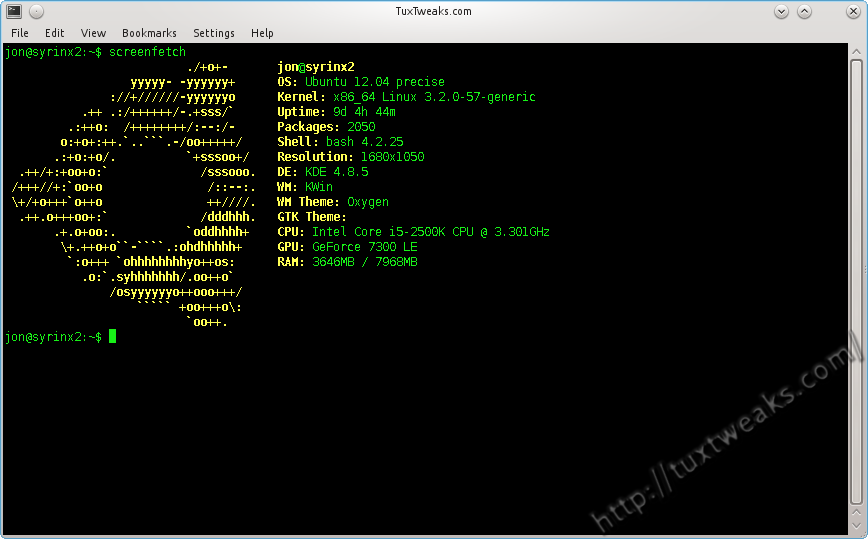
If you’ve browsed Linux groups on social media, you’ve probably seen a lot of screenshots that include a terminal window displaying the distribution logo as ASCII art along with some general system information. One program that does this is called Archey. Another is called screenFetch, and that’s what I’m going to show you how to install in this post. Continue reading