If you use Google’s Picasa Web Albums to share photos online, Google now has a Linux version of the Picasa desktop client. There are three binary packages available for download:
- for Red Hat/Fedora/Suse/Mandriva i386 or x86_64
- for Debian/Ubuntu i386
- for Debian/Ubuntu amd64
Download the appropriate file for your distribution. For Ubuntu, just double click on the .deb file and the Gdebi Package Installer should open up.
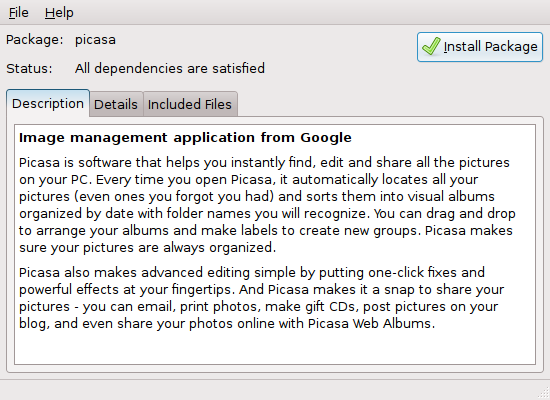
Installing Picasa
Click on Install Package. Enter your password at the prompt. Close the package installer once it’s done.
You can find it on the Ubuntu menu under Applications->Graphics->Picasa->Picasa.
The first time you run it you’ll have to accept the license agreement.
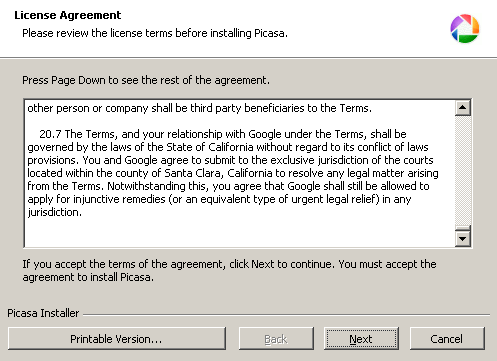
Picasa for Linux License Agreement
Once you agree to the license it will start scanning your hard drive for pictures. After that you should be good to go.