Tag Archives: Synaptic

Synaptic Mark All Upgrades

Mark All Upgrades in Synaptic on Linux Mint 17

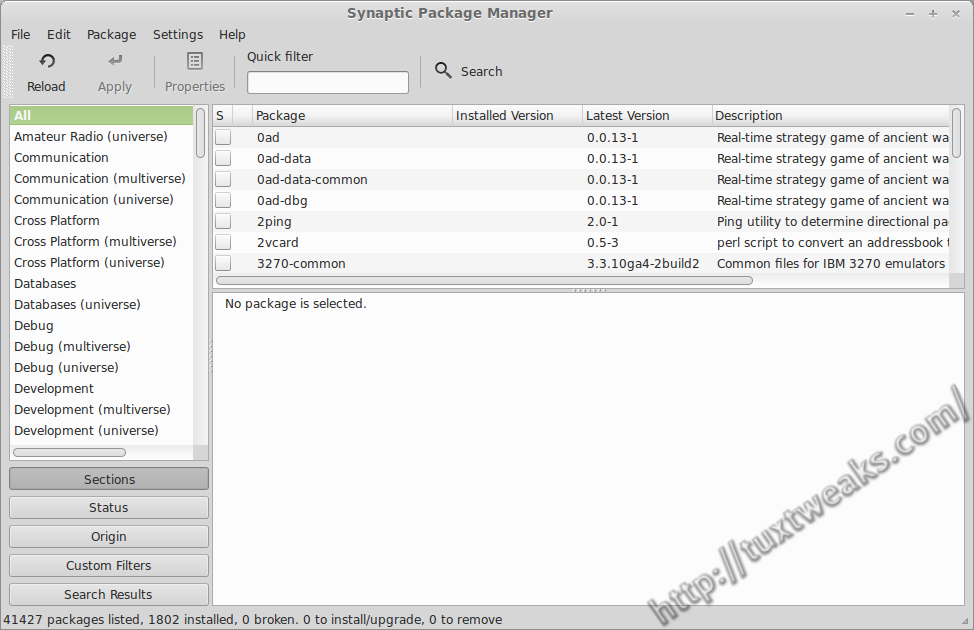
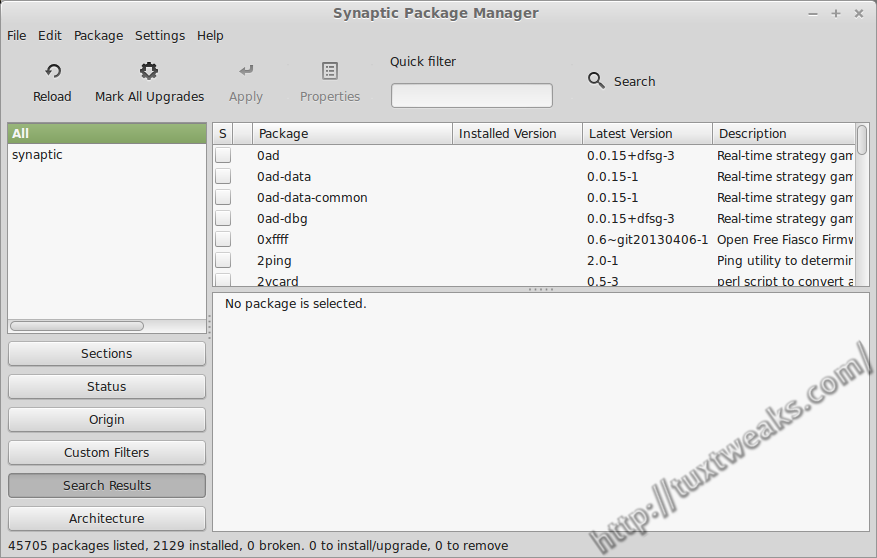
I’ve written before how to restore the Mark All Upgrades button to Synaptic in Linux Mint. Things have changed in the latest version: Linux Mint 17 Qiana. The previous technique no longer works because the Mint team is providing their own version of Synaptic rather than using the package from the Ubuntu repositories. The following will show how to restore the Mark All Upgrades button to Synaptic in Linux Mint 17. Continue reading
Synaptic in Linux Mint as shipped

Restore Synaptic Mark All Upgrades Button in Linux Mint

UPDATE: This technique no longer works on Linux Mint 17 Qiana. Please see Enable Synaptic Mark All Upgrades Button in Linux Mint 17 for the latest technique.

I recently reviewed Linux Mint 15 Cinnamon Edition and one reader pointed out in the comments that the Mint team removes functionality from the Synaptic Package Manager. Specifically, the Mark All Upgrades button is missing from the tool bar and the menu selection is also missing from the Edit menu. After doing a little bit of research, I was able to figure out how to undo the changes made to Synaptic by the Linux Mint team. In the following tutorial I’ll show how to restore the Synaptic Mark All Upgrades button in Linux Mint. Continue reading