Author Archives: Linerd

Linux Mint Persistent Live USB

How To Create a Linux Mint Persistent Live USB

Linux Mint is the most popular Ubuntu based Linux distribution. Some would argue that it’s even more popular than Ubuntu itself. Because of its Ubuntu base, Linux Mint shares a lot of the same great features with its parent distribution while offering a more traditional desktop design. One big feature that Linux Mint is missing though is the ability to create a Live USB stick with persistent storage. In this tutorial I’ll show how to create a Linux Mint Persistent Live USB drive using UNetbootin and GParted.
Continue reading
When Handbrake Doesn't Work

How To Rip a DVD with Mplayer

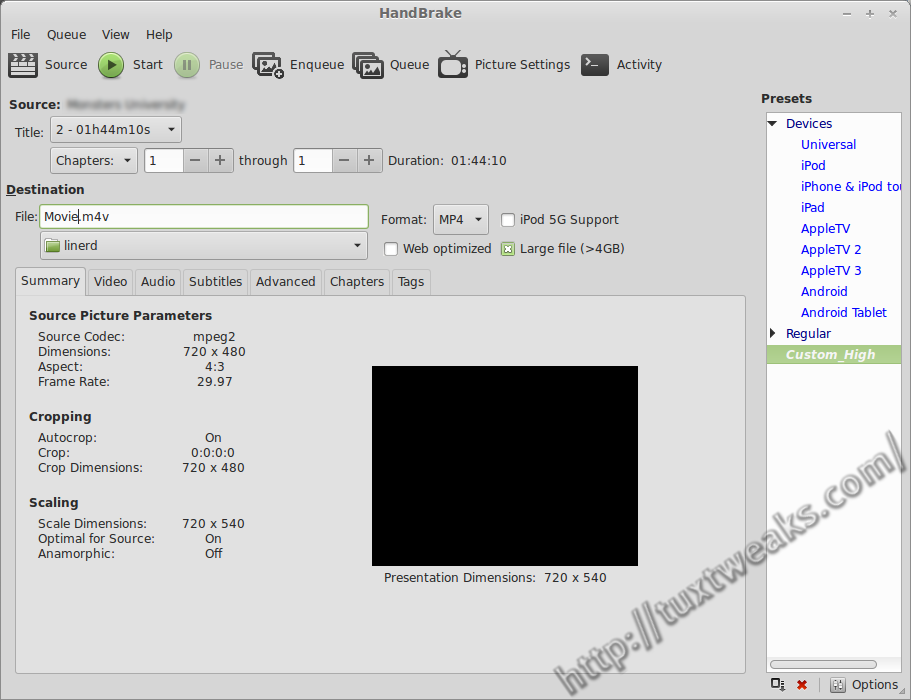
I run a media server at home to feed music and movies to my LG smart TV (affiliate link). Ripping the family’s DVD collection is one of my tasks as the resident computer geek. Normally, Handbrake is my go-to tool for this type of thing, but in this case it was unable to detect the correct title from the DVD structure. In this tutorial I’ll show how to rip a DVD on Linux with Mplayer.
Continue reading

screeenFetch on Ubuntu

How To Install screenFetch in Linux

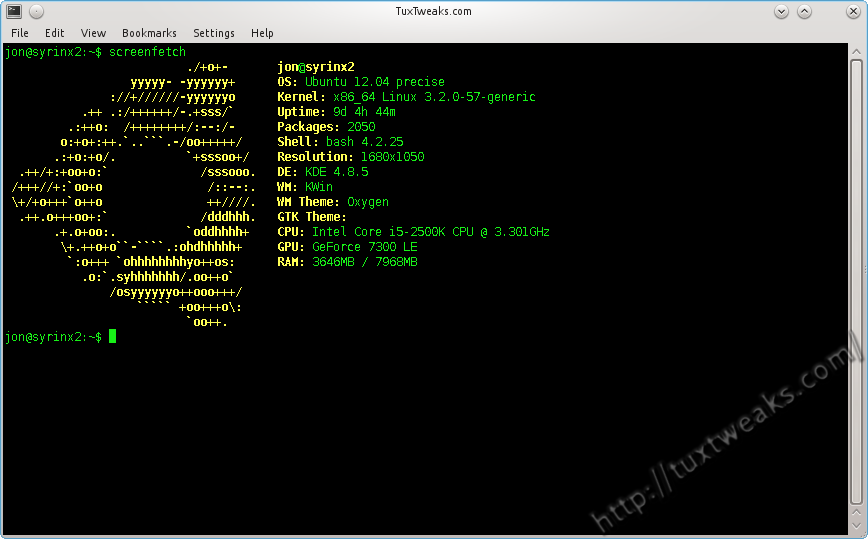
If you’ve browsed Linux groups on social media, you’ve probably seen a lot of screenshots that include a terminal window displaying the distribution logo as ASCII art along with some general system information. One program that does this is called Archey. Another is called screenFetch, and that’s what I’m going to show you how to install in this post. Continue reading

Linux watch with pipe

Command Line Basics – watch

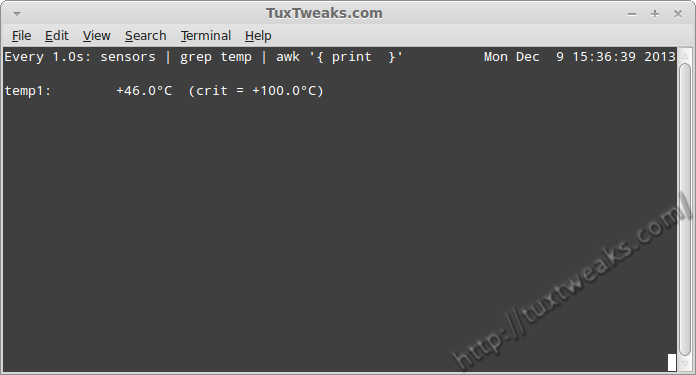
There are several log files in a Linux system. Keeping an eye on these log files can be one of the important tasks of a Linux System administrator. You can easily view the end of a log file using the tail command. But if you want to monitor that file all day long it’s pretty tedious to enter the tail command every few minutes to check on that log file. You could write a short script  with an infinite loop to check the file periodically, but it turns out that there is already a program to handle repetitive tasks for you. Continue reading

encrypted folder

Create And Manage Encrypted Folders in Linux With encfs

There are times when you want certain information on your computer protected from prying eyes. One way to protect your information is to encrypt your home directory. However, that does not protect your information when you are logged on to your computer. I’ve shown in the past how you can use Cryptkeeper to create an encrypted folder on your system. Cryptkeeper is a graphical front end to encfs. encfs allows you to create an encrypted folder and then mount it as a user filesystem using FUSE. In this tutorial I’ll show how to use encfs from the command line to create and manage an encrypted folder on Linux.
Continue reading