Tag Archives: Ubuntu

encrypted folder

Create And Manage Encrypted Folders in Linux With encfs

There are times when you want certain information on your computer protected from prying eyes. One way to protect your information is to encrypt your home directory. However, that does not protect your information when you are logged on to your computer. I’ve shown in the past how you can use Cryptkeeper to create an encrypted folder on your system. Cryptkeeper is a graphical front end to encfs. encfs allows you to create an encrypted folder and then mount it as a user filesystem using FUSE. In this tutorial I’ll show how to use encfs from the command line to create and manage an encrypted folder on Linux.
Continue reading

File system with label

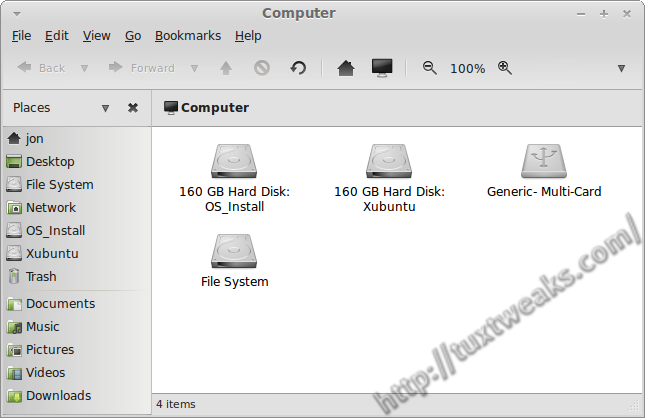
How To Add or Edit a Linux File System Label

File system labels are not something you need to have in order to have a functioning Linux operating system, but they can make your computer easier to navigate when you have several disk partitions. In this post I’ll show how to add or edit a Linux file system label for ext2, ext3, and ext4 disk partitions.
Continue reading

Conky on my Desktop

How To Install Conky and Conky Manager in Ubuntu and Linux Mint

Conky is a light weight system monitor for Linux and BSD systems that displays information about your system on the root window. You’ve probably seen cool screenshots around the web that show a Linux desktop with all kinds of information printed to a part of the background. There’s a good chance that you were looking at a system running Conky. Continue reading

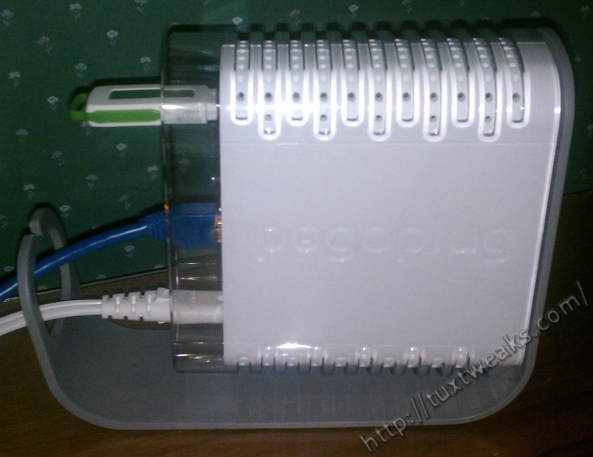
My Pogoplug

How to Mount Your Pogoplug on Linux Automatically

I recently received a Pogoplug as a birthday gift. If you’re not familiar with the Pogoplug, it is a small Linux based plug computer that allows you to share personal files over the web. You can think of it as your own personal cloud storage server. While you can always access your Pogoplug files through the web interface, it’s nice to have local access to the files straight from your file manager. In this tutorial I’ll show you how to mount the Pogoplug on Linux and how to get it to mount automatically when your computer boots. Continue reading

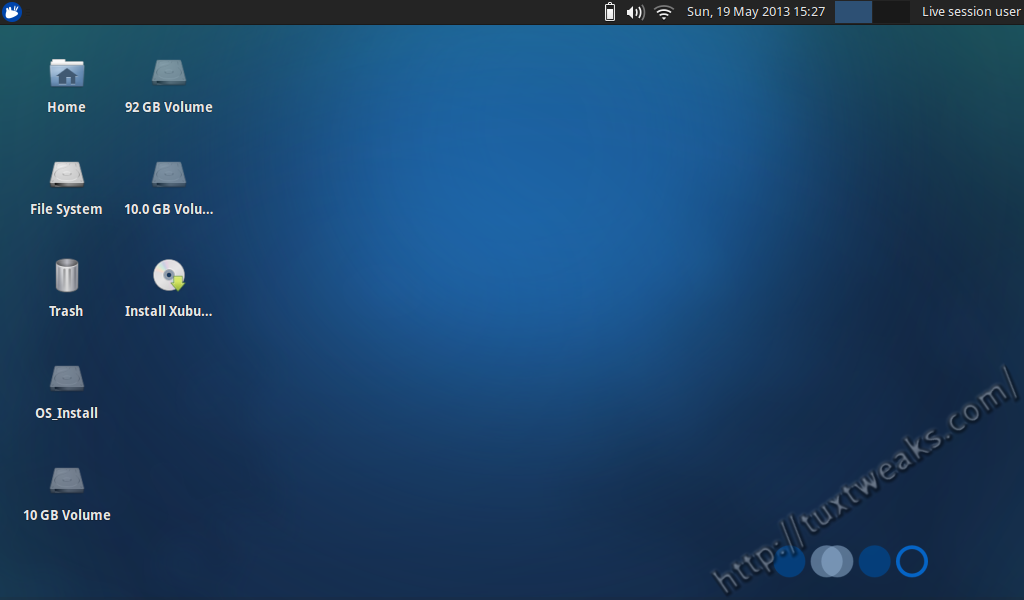
Xubuntu 13.04 Live DVD Desktop

Distro Review: Xubuntu 13.04 Raring Ringtail

Xubuntu is a derivative of Ubuntu Linux that uses the Xfce desktop environment for the user interface. It is one of the official derivatives of Ubuntu Linux. The intent is for Xubuntu to be easy to use while being attractive and light on system resources. From the Xubuntu Strategy Document:

The target audience for Xubuntu consists of users who are interested in having an elegant, easy to use, polished and unified operating system. Xubuntu is a good option for those who want a stable, configurable and/or relatively light desktop environment too. Finally, Xubuntu is an appealing choice for users who prefer conservative workflows over the newest innovations. Continue reading