Tag Archives: HowTo

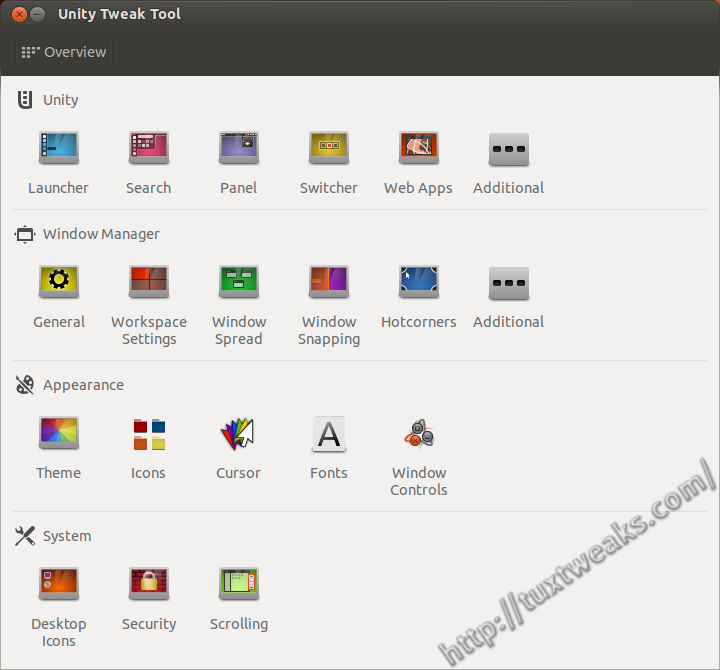
Conky on my Desktop

How To Install Conky and Conky Manager in Ubuntu and Linux Mint

Conky is a light weight system monitor for Linux and BSD systems that displays information about your system on the root window. You’ve probably seen cool screenshots around the web that show a Linux desktop with all kinds of information printed to a part of the background. There’s a good chance that you were looking at a system running Conky. Continue reading

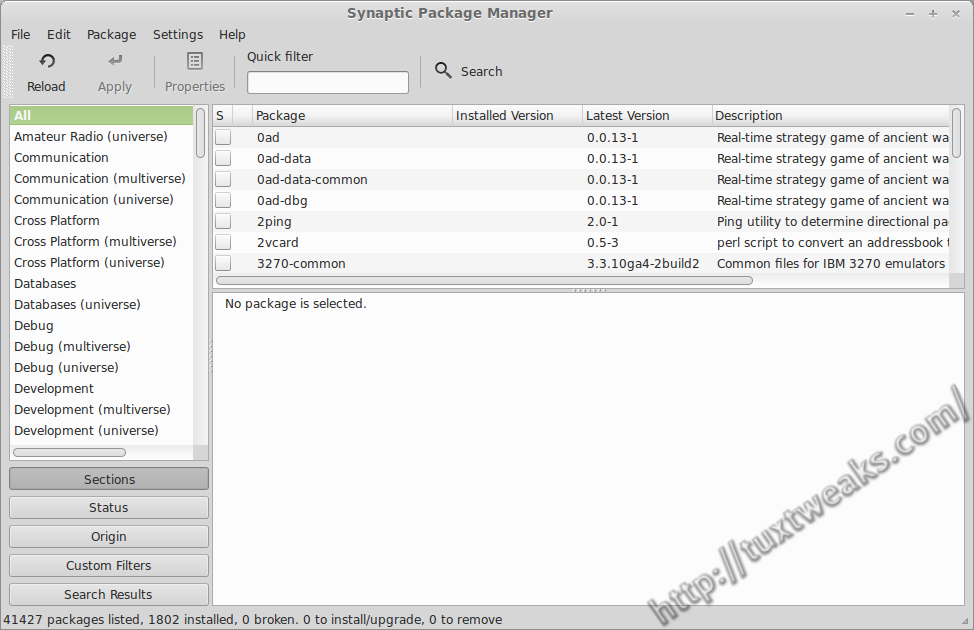
Synaptic in Linux Mint as shipped

Restore Synaptic Mark All Upgrades Button in Linux Mint

UPDATE: This technique no longer works on Linux Mint 17 Qiana. Please see Enable Synaptic Mark All Upgrades Button in Linux Mint 17 for the latest technique.

I recently reviewed Linux Mint 15 Cinnamon Edition and one reader pointed out in the comments that the Mint team removes functionality from the Synaptic Package Manager. Specifically, the Mark All Upgrades button is missing from the tool bar and the menu selection is also missing from the Edit menu. After doing a little bit of research, I was able to figure out how to undo the changes made to Synaptic by the Linux Mint team. In the following tutorial I’ll show how to restore the Synaptic Mark All Upgrades button in Linux Mint. Continue reading

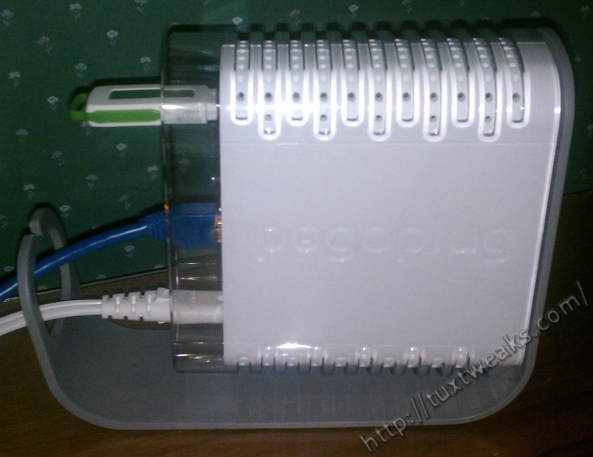
My Pogoplug

How to Mount Your Pogoplug on Linux Automatically

I recently received a Pogoplug as a birthday gift. If you’re not familiar with the Pogoplug, it is a small Linux based plug computer that allows you to share personal files over the web. You can think of it as your own personal cloud storage server. While you can always access your Pogoplug files through the web interface, it’s nice to have local access to the files straight from your file manager. In this tutorial I’ll show you how to mount the Pogoplug on Linux and how to get it to mount automatically when your computer boots. Continue reading

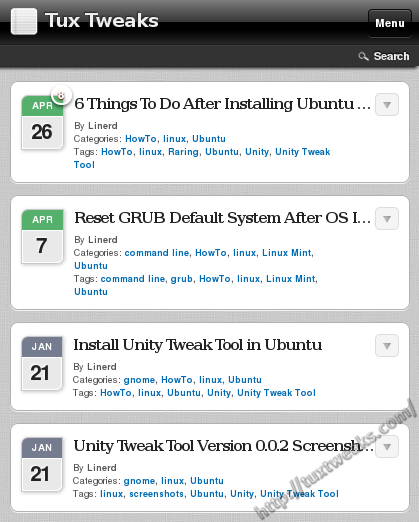
Tuxtweaks home page with WPtouch

Enable Shortcodes in WPtouch on WordPress

Building a mobile website for your blog or business can be a daunting task. Perhaps you’re an expert at mobile website development and you can design a mobile website on your own just fine. But for many of us, learning to do this would take far too much time and effort and probably wouldn’t turn out all that great anyway. If you are using WordPress to run your website, you’re in luck. There are several plugins available to make your site look great on mobile devices.

With over four million downloads, WPtouch is perhaps the most popular WordPress plugin to make your website mobile ready. I have been using it on this site for a month or two myself.  You can see in the image below what my site’s home page looks like on a mobile device with WPtouch enabled. Continue reading